Rain · 2026 · 1 min read
Building It Myself
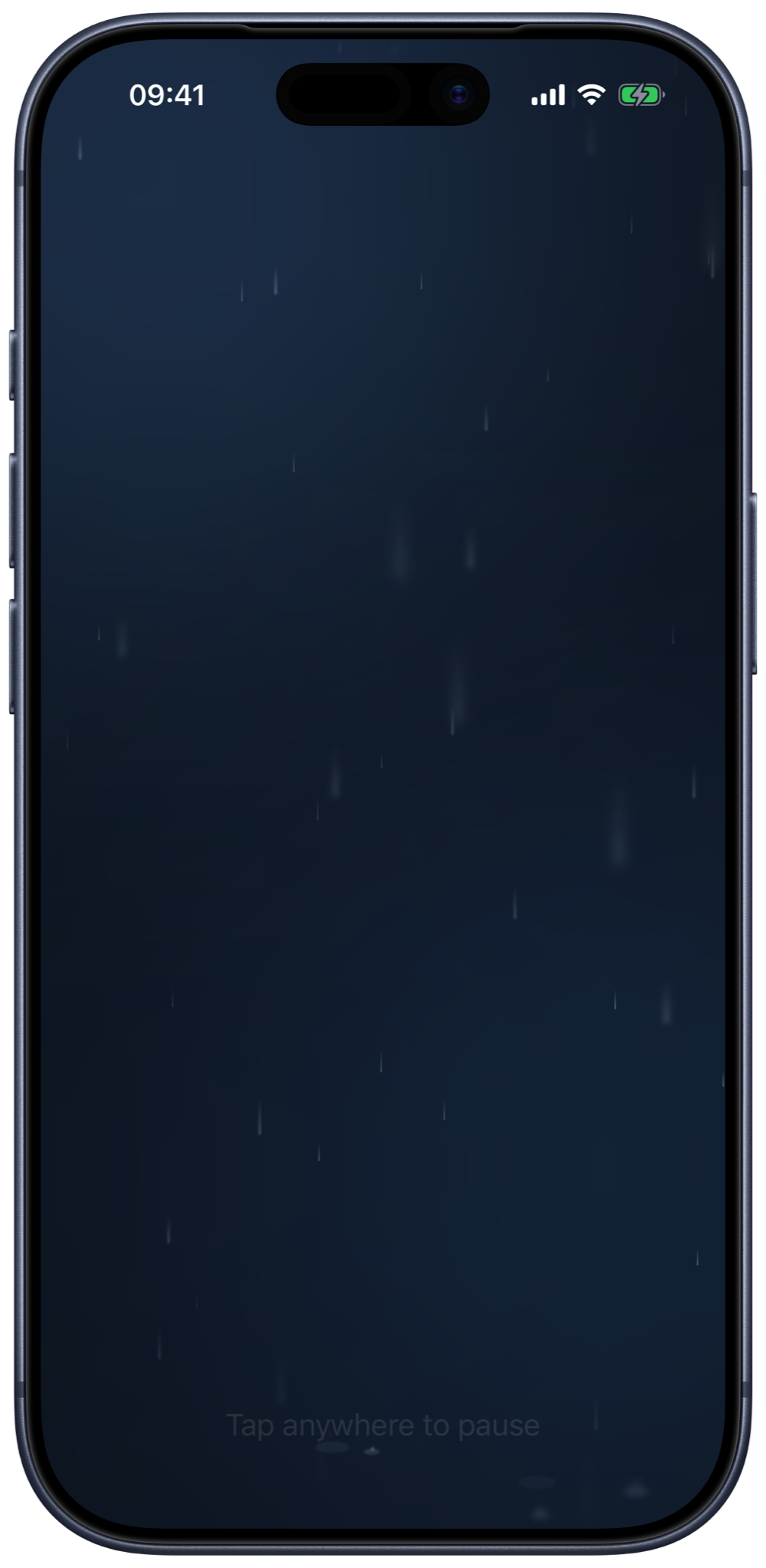
Took a rain sounds app from idea to App Store submission myself, building it with an AI agent.

The challenge
I use white noise apps, but most are bloated: full of ads, low-quality images and features nobody asked for. None of them feel thoughtfully designed.
I've always been a design-led product person. I love talking to users, exploring and prototyping until the answer is clear. Rain was my first step past the prototype, to build and ship an app myself, on the way to becoming an individual contributor who can take an idea all the way to launch.
The approach
Choosing the stack
I chose native SwiftUI over a cross-platform framework. It gave me the feel and animation a calm app needs, it meant learning Apple's platform properly, and the agent handled an unfamiliar language well enough to make that practical.
One task at a time
The first working version was on my phone in three days. Small, verified steps held up where bigger asks drifted, so I gave the agent one task at a time. Code is now cheap and taste is the bottleneck. My job was now checking every loop by ear and every animation by eye.
Rain without a seam
I built on royalty-free recordings, and the hard part was making them loop without a seam. Layering two rain loops hides each one's loop point, and the lightning flashes in time with real thunder claps in the recording.
Cut until it's calm
I removed the volume slider and the play button, so one tap pauses the rain to a sunny resting state. There are no ads, accounts or tracking, and nothing leaves the phone. I only added features for how people really play it: a clock in landscape that keeps the screen awake, plus AirPlay and Now Playing controls.
The impact
- First working build on my phone in 3 days.
- Zero ads, accounts, tracking or network calls.
- On TestFlight and submitted to the App Store, waiting on review.